

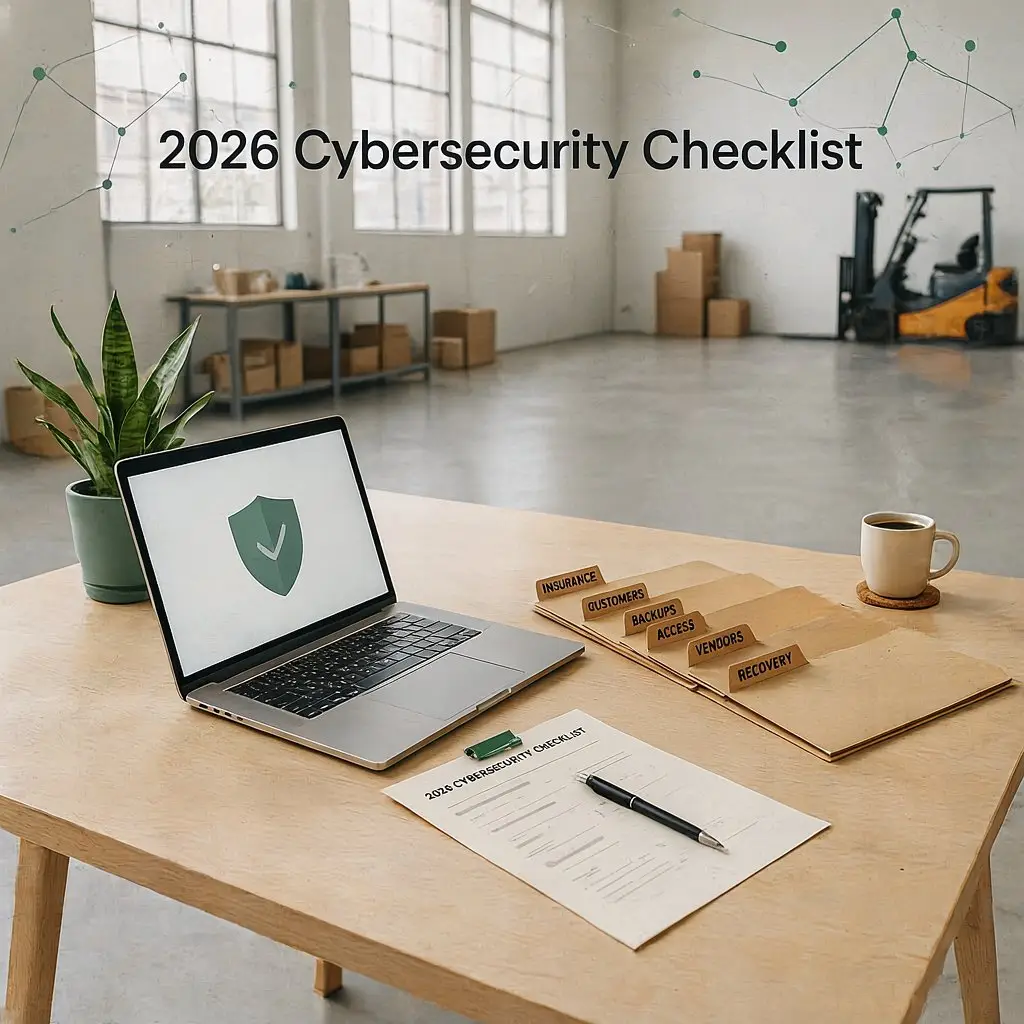

The 2026 Clarksville Small Business Cybersecurity Checklist: 15 Controls Your Insurer, Customers, and Business Need
The Clarksville small business cybersecurity checklist is not just an IT list anymore. In 2026, it helps your company prove that it can protect customer data, keep work moving, answer insurance questions, and recover when something breaks.
Here’s the plain truth. Most small businesses are not ignoring cybersecurity. Instead, they are busy. They are running lean, serving customers, chasing parts, managing payroll, handling vendors, and trying to keep technology from becoming one more fire.
Now, insurers, customers, banks, vendors, and supply chain partners are asking harder questions.
Some want proof that you use multi-factor authentication. Others want to know if your backups work. Many also want to see who has access to your systems, how you remove old users, and whether a vendor still has a door into your network.
For Clarksville businesses, this matters even more because the local economy includes manufacturing, distribution, healthcare, professional services, contractors, and supply chain companies. Clarksville-Montgomery County continues to grow as a strong location for manufacturing and distribution, with access in the heart of auto-alley. Source: Clarksville-Montgomery County Economic Development Council
That growth is good. However, it also brings more systems, more outside access, more customer requirements, and more risk to manage.
Why This Checklist Has More Weight in 2026
CISA’s Cross-Sector Cybersecurity Performance Goals 2.0 help small and medium-sized organizations focus on essential security actions with high-impact outcomes. In other words, they give smaller teams a practical place to start instead of another thick stack of theory. Source: CISA Cybersecurity Performance Goals 2.0
NIST’s Cybersecurity Framework 2.0 Small Business Quick Start Guide also gives small and medium-sized businesses a simple way to organize cybersecurity around six functions: Govern, Identify, Protect, Detect, Respond, and Recover. Source: NIST CSF 2.0 Small Business Quick Start Guide
That framework matters because cybersecurity is not only about blocking attacks. It also helps you know what you own, who has access, what matters most, what your team should do during trouble, and how fast you can get back to work.
In addition, Verizon’s 2026 manufacturing breach snapshot shows why companies connected to production, distribution, and supply chains need stronger protection. Manufacturing remains a high-pressure target because downtime hurts fast. Source: Verizon 2026 DBIR Manufacturing Snapshot
So this checklist is not here to scare you. It is here to make the work more concrete.
How to Use This Checklist
Do not treat this as a one-time read. Instead, use it like a working document.
For each control, ask four simple questions:
- Do we have this in place?
- Who owns it?
- Can we prove it?
- When did we last test or review it?
That last question matters. During an insurance renewal, customer questionnaire, incident claim, audit, or leadership meeting, proof carries more weight than memory.
The 15 Cybersecurity Controls Clarksville Small Businesses Should Review
1. Multi-Factor Authentication
What this means: Multi-factor authentication, often called MFA, adds a second step after a password. Your team may use an app prompt, hardware key, text code, or number match.
Where to use it first: Start with email, Microsoft 365, Google Workspace, banking, payroll, accounting, remote access, administrator accounts, cloud apps, and any account that touches customer data.
Why it matters: Passwords get reused, guessed, phished, and stolen. Because of that, MFA helps stop a stolen password from becoming a business-wide problem.
Proof to save: Keep screenshots of MFA settings, admin reports, user enrollment reports, and policy notes.
2. Strong Password Rules and a Password Manager
What this means: Every employee should use unique, strong passwords. A business password manager helps employees store passwords safely instead of using sticky notes, spreadsheets, or browser-saved passwords.
What to avoid: Remove shared admin logins, passwords reused across vendors, passwords stored in plain documents, and old accounts no one owns.
Proof to save: Keep your password policy, password manager user list, onboarding instructions, and offboarding steps.
3. Email Security and Phishing Protection
What this means: Your email system should filter spam, scan links, block suspicious attachments, protect against impersonation, and give users a clear way to report suspicious messages.
Why it matters: Fake invoices, payment-change scams, phishing links, and credential theft often start in email. The FTC recommends employee training, secure accounts, updates, backups, encryption, passwords, and MFA as key small business protections. Source: FTC Cybersecurity for Small Business
Proof to save: Save email security settings, phishing training records, report-phishing instructions, and examples of blocked threats.
4. Endpoint Protection and Endpoint Monitoring
What this means: Every computer and server should run managed security protection. For many businesses, this now means endpoint detection and response, not just old antivirus.
Why it matters: If a laptop gets infected, endpoint monitoring can help catch unusual behavior before it spreads across the network.
Proof to save: Keep device coverage reports, endpoint protection dashboard exports, alert history, and remediation notes.
5. Patch Management
What this means: Patch management keeps operating systems, software, firewalls, servers, browsers, and devices updated.
Why it matters: Attackers often look for known weaknesses that already have fixes available. As a result, slow patching can leave your business exposed longer than necessary.
What good looks like: Your team reviews critical patches quickly, follows a schedule for routine patches, tests production-sensitive systems before updates, and documents exceptions.
Proof to save: Keep patch reports, vulnerability scan results, maintenance windows, and exception notes.
6. Secure, Monitored Backups
What this means: Backups should run automatically, report failures, and stay protected so ransomware cannot easily delete or encrypt them.
What to include: Include servers, cloud files, Microsoft 365 or Google Workspace data, accounting systems, customer files, production documents, and key business databases.
Proof to save: Save backup job reports, backup success logs, retention settings, and offsite or cloud backup details.
7. Tested Disaster Recovery
What this means: Disaster recovery gives your team a plan to restore systems after an outage, ransomware event, hardware failure, storm, fire, vendor issue, or major mistake.
The hard question: If your server failed today, how long would it take to restore payroll, accounting, production files, shipping, scheduling, or customer service?
What good looks like: Your team knows the recovery time goal, recovery point goal, restore order, emergency contacts, and decision maker during downtime.
Proof to save: Keep restore test results, recovery plans, backup screenshots, vendor contacts, and after-action notes.
8. Firewall Management
What this means: Your firewall needs configuration, updates, monitoring, and regular review. It should not sit forgotten in a closet.
What to review: Check open ports, VPN access, admin accounts, firmware updates, remote management, rule changes, logging, and vendor access.
Proof to save: Keep firewall configuration exports, firmware update records, rule review notes, and VPN user lists.
9. Network Segmentation
What this means: Segmentation separates parts of your network so one problem does not automatically spread everywhere.
Why it matters for manufacturers: Office computers, guest Wi-Fi, production equipment, cameras, ERP systems, machine vendors, and administrative systems should not all live in one flat network without boundaries.
What good looks like: Guest Wi-Fi stays separate. Production systems sit behind practical boundaries. Vendors only reach what they need. Meanwhile, critical systems get tighter controls.
Proof to save: Keep network diagrams, VLAN lists, firewall rules, vendor access maps, and asset inventories.
10. Remote Access Security
What this means: Remote access should be controlled, logged, protected by MFA, and limited to people and vendors who truly need it.
What to avoid: Avoid permanent vendor access, shared vendor accounts, old VPN users, remote desktop open to the internet, and mystery access that no one has reviewed.
Proof to save: Save VPN user lists, MFA settings, remote access policies, vendor access approvals, and logs.
11. User Access Reviews
What this means: Your team should review who can access email, files, accounting systems, ERP, payroll, cloud apps, servers, and admin tools.
When to review: Review access at least quarterly. Also check it when someone changes roles or leaves the company.
What good looks like: Old users get removed. Admin rights stay limited. Shared accounts shrink over time. Most importantly, each person’s access matches the job.
Proof to save: Keep user access review spreadsheets, removed account lists, admin account lists, and offboarding checklists.
12. Employee Cybersecurity Awareness Training
What this means: Employees need to know how to spot phishing, fake invoices, suspicious links, payment-change scams, unusual login prompts, and risky file sharing.
What works best: Short, repeated training works better than one long annual lecture. Use plain language, real examples, and a no-shame reporting process.
Proof to save: Keep training dates, completion reports, phishing test results, and employee acknowledgement forms.
13. Written Security Policies
What this means: Your business needs simple written rules for how employees use and protect technology.
Start with these: Build policies for acceptable use, password rules, MFA, remote access, mobile devices, vendor access, data handling, incident reporting, and offboarding.
Why it matters: Policies remove guessing. They also show insurers and customers that your business runs a real security process, not just good intentions.
Proof to save: Keep policy documents, employee acknowledgements, review dates, and leadership approval.
14. Incident Response Plan
What this means: An incident response plan tells your team what to do when something suspicious or serious happens.
Include these basics: Write down who to call, what to disconnect, who contacts insurance, who contacts legal counsel, who communicates with customers, and who approves system shutdowns or restoration.
Why it matters: During an incident, people feel stressed. A written plan keeps the first hour from turning into guesswork.
Proof to save: Keep the incident response plan, call tree, insurance contact, tabletop exercise notes, and post-incident review template.
15. Vendor and Customer Security Documentation
What this means: Keep a security evidence folder that helps you answer insurance renewals, customer questionnaires, vendor reviews, and leadership questions.
What to include: Add MFA proof, backup reports, recovery test results, training records, security policies, access reviews, firewall reviews, network diagrams, incident response plans, cyber insurance documents, and vendor lists.
Why it matters: You do not want to gather this for the first time during a claim, audit, renewal, or customer deadline.
What Your Cyber Insurer May Want to See
Every policy and carrier works differently. Still, many cyber insurance applications now focus on the same core areas.
- MFA on email, remote access, and admin accounts
- Endpoint protection on all business devices
- Regular patching and vulnerability management
- Secure backups that your team tests
- Employee cybersecurity training
- Incident response planning
- Controls for privileged access
- Vendor and remote access management
The issue is not only whether you have the control. Your business also needs to prove it.
For example, if your application says backups are tested, save the test results. If it says MFA is required, keep the policy and enrollment report. Likewise, if it says employees receive training, save completion records.
This is where a practical cybersecurity assessment can help. It gives you a clearer picture of what is already handled, what needs attention, and what proof you should keep before your next renewal.
What Your Customers May Want to See
Customer security questionnaires can feel annoying. However, they often ask fair questions.
Your customers want to know if you are a safe partner. That becomes even more important when you handle customer data, connect to another company’s systems, support a larger supply chain, manufacture components, or provide services that affect operations.
Strong answers usually cover:
- Who owns cybersecurity inside the business
- How your team grants and removes access
- Whether the business uses MFA
- How your team protects and tests backups
- How vendors get managed
- How employees report incidents
- How leadership tracks cybersecurity training
A checklist gives you a calmer way to answer those questions. Instead of saying, “I think we do that,” you can say, “Yes, here is how we do it.”
A 90-Day Plan for Getting This Done
You do not need to fix everything at once. However, you do need movement.
Days 1 to 30: Close the Biggest Doors
- Turn on MFA for email, banking, payroll, remote access, and admin accounts.
- Remove old users and unnecessary admin rights.
- Confirm that every device has endpoint protection.
- Review backups and fix failed jobs.
- Collect your cyber insurance application and current security questionnaire answers.
Days 31 to 60: Build Proof and Ownership
- Create a simple asset inventory.
- Document who owns each major system.
- Run a backup restore test.
- Review firewall and VPN users.
- Start employee cybersecurity training.
Days 61 to 90: Make It Repeatable
- Write or update your incident response plan.
- Create your security evidence folder.
- Review vendor remote access.
- Set a quarterly access review schedule.
- Plan the next round of patching, vulnerability scanning, and recovery testing.
The Most Common Gaps We See in Small Businesses
The weak spots are usually not dramatic. In fact, they are often ordinary.
- A former employee still has access.
- A vendor account gets shared by three people.
- Backups run, but no one has tested a restore.
- A firewall rule opened years ago and no one reviewed it again.
- One person knows how everything works, but nobody else has documentation.
- Production systems and office systems sit too close together.
- Everyone assumes cyber insurance will cover a loss, but no one has checked the requirements.
None of this means your business is careless. It means your business is human. Even so, these are the exact places where a small issue can become a very public problem.
The Bottom Line for Clarksville Businesses
Cybersecurity is not about fear. It is about stability.
It helps your business keep serving customers when something goes wrong. It also gives your insurer better answers, helps customers trust you, and protects your employees from chaos they did not create.
For Clarksville small businesses and manufacturers, a strong cybersecurity checklist gives you a practical way forward. You do not need perfection. Instead, you need clear ownership, useful documentation, tested recovery, and steady follow-through.
GeckoTech Solutions helps Clarksville and Middle Tennessee businesses build cybersecurity that is practical, documented, and easier to manage. Learn more about our cybersecurity support for small businesses.
A real cybersecurity checklist does more than name the controls. It shows who owns them, how your team proves them, and how your business gets back to work when the bad day comes.