
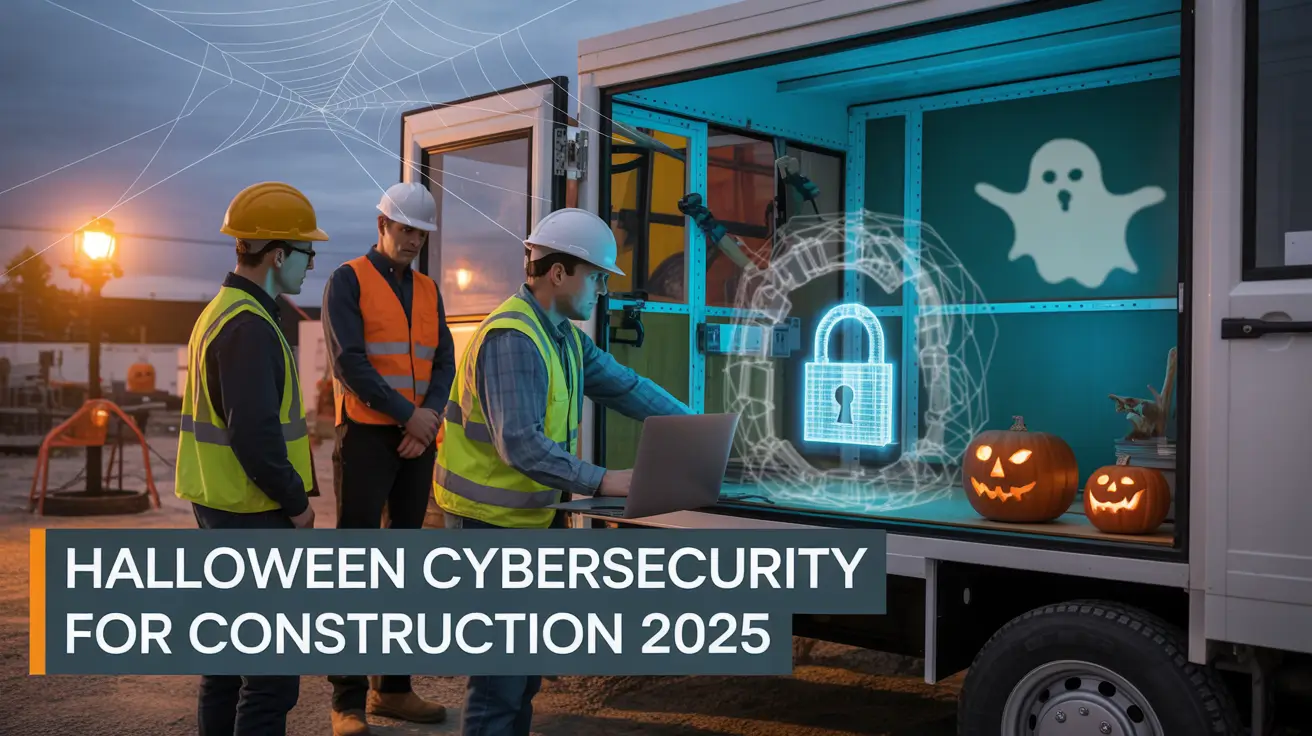

When the Ghosts of Ransomware Walk the Site: What Contractors Should Know This Halloween
October brings pumpkins, cooler air, and safety stand-downs. However, this year it also brings real digital ghosts. The Qilin ransomware gang has launched over 700 attacks in 2025, targeting industries where downtime equals lost dollars. For construction firms, that means your blueprints, vendor portals, and project files could be next. One wrong click, and the entire operation grinds to a halt.
For construction firms, that means your blueprints, vendor portals, and project files could be next. One wrong click, and the entire operation grinds to a halt.
Haunted by Data Breaches: Why Construction Sites Are Targets
Cybercriminals see jobsite networks as the perfect haunted house. Between Wi-Fi trailers, field laptops, subcontractor access, and cloud tools, there are too many dark corners to monitor. Consequently, attackers look for weak points where outdated firmware or shared credentials make entry easy. When a single supplier or vendor falls victim to ransomware, that disruption ripples through every connected project. In short, a digital break-in can cost more than stolen tools—it can stop production and drain profits.
Tricks to Treat Your Jobsite for Cyber Safety
1. Lock the Gate with Strong Access Controls
Every online account should be protected with multifactor authentication. Require MFA for email, project software, and finance systems. Think of it as a sturdy lock on the digital gate—simple to use but tough for thieves to bypass.
2. Patch the Cracks Before the Cold Sets In
Outdated routers, laptops, and mobile devices act as open windows for ransomware. Regularly schedule updates and patches for all field technology. In addition, use monitoring tools or your IT partner to track and confirm successful updates across devices.
3. Train the Crew with a Cyber Toolbox Talk
Include cybersecurity in your regular safety meetings. For example, show an email that looks like a vendor invoice but hides a phishing link. Discuss how to verify vendor banking changes and who to call before sending money. By making these talks routine, you turn awareness into prevention.
Final Word: Exorcise the Digital Specters Before They Strike
This Halloween, treat cybersecurity the same way you treat fall protection—it’s about keeping your team and your business safe. Protecting your data prevents project delays and protects your reputation. When your network is locked down and your backups are tested, you can rest easy knowing the only thing scary on your site this October should be the decorations.
Here’s the deal: when your IT systems are secure, your projects run smoother, your money stays safe, and your crews know you have their back. Take time this season to exorcise the digital ghosts before they come knocking.
Want to know if your sites are secure?
Schedule a free cybersecurity check-in for your construction business.